Patient guide
Workstation and ergonomics
Desk, monitor, and micro-break setups that protect necks, backs, and focus
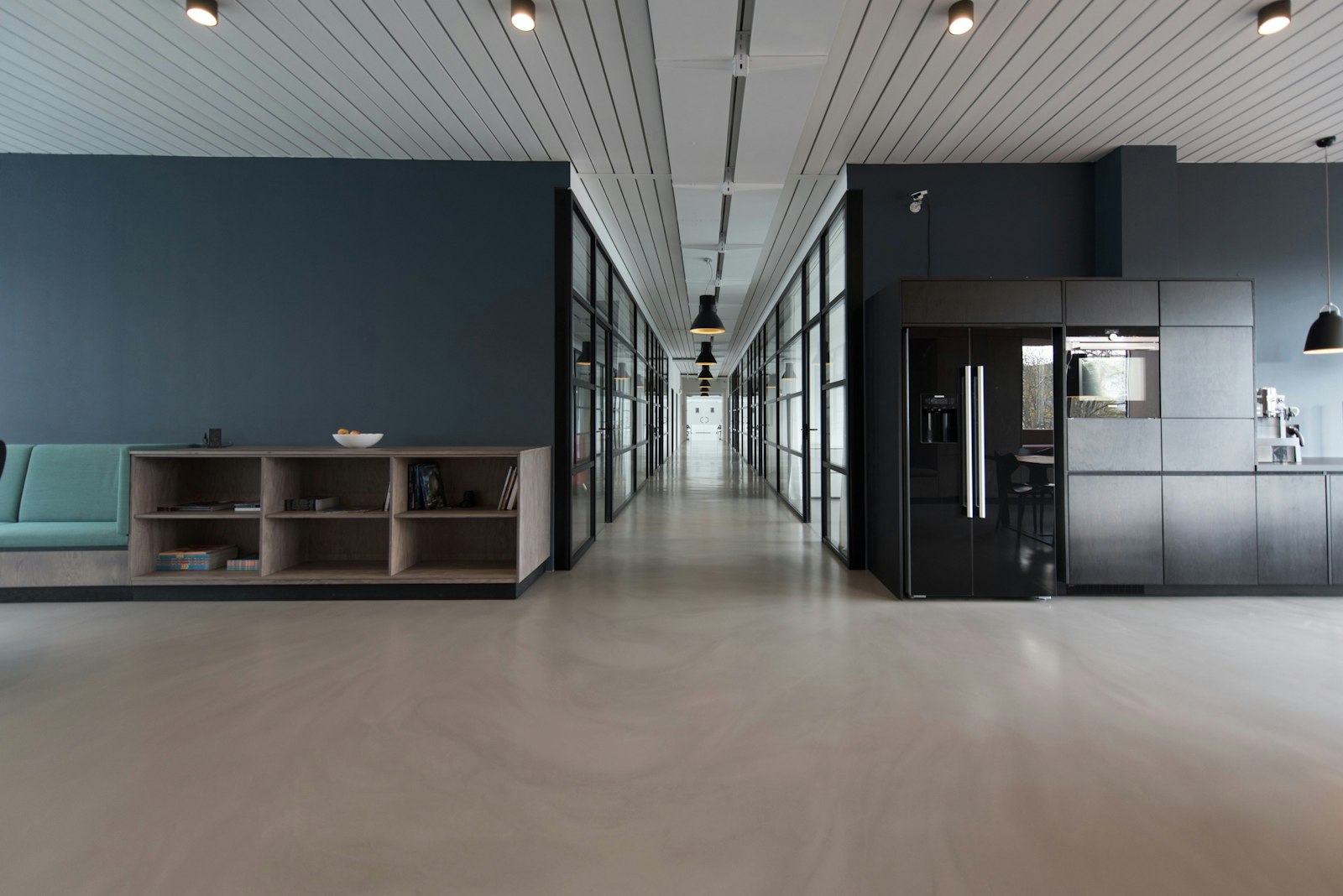
Ergonomics is not only a fancy chair—it is how your eyes, neck, shoulders, and hips share load across nine hours of meetings, messages, and deep work. Small adjustments to monitor height, keyboard position, and micro-break rhythm often reduce symptoms faster than expensive gear alone.
We translate biomechanics into habits that survive busy seasons, not just day one of a new desk.
Who it helps most
- Neck and upper-back symptoms that creep in by mid-afternoon on screen-heavy days
- Wrist and forearm discomfort tied to keyboard, mouse, or laptop posture
- Hybrid workers switching between kitchen tables, coworking spaces, and corporate offices
- Teams wanting simple, evidence-based defaults—not one-size corporate furniture mandates
How we approach this at Nexus
- Task-based assessment: how you actually work, not a textbook neutral pose you cannot hold.
- Camera-based desk reviews available when remote—photos and short videos help.
- Strength and mobility add-ons when posture is fine but tissue capacity is the limiter.

What to expect with us
- A prioritized change list: what to fix first for the biggest symptom drop.
- Micro-break templates that fit real calendars—two minutes beats zero minutes.
- Follow-up tweaks after you have lived in the setup for a week or two.
If work is literally a pain in the neck, book an assessment. We will translate ergonomics into a plan you can keep—even on deadline weeks.
Ready for a plan built around you?
This guide is educational—not a substitute for an in-person evaluation. Book your 75-minute assessment and we will match the right tools to your goals, timeline, and medical history.
Stock imagery is illustrative only and does not depict a specific patient or outcome. Your clinician will personalize every recommendation after assessment.